Why accurate business email data matters in B2B sales
In B2B sales, the quality of your outreach list often determines the quality of your pipeline. A large database may look impressive, but if it contains outdated addresses, mismatched companies, missing phone numbers, or generic contacts with no context, your team will spend more time cleaning data than talking to prospects.
Finding business email addresses is not just about collecting contact details. It is about building a reliable view of each company: who they are, where they operate, how they can be reached, whether they are active online, and which signals suggest they may be ready for your offer. That is where a structured workflow and a tool like Business Monster can make the process faster and more actionable.
Start with a clear ideal customer profile
The best email discovery process begins before the first search. Define the companies you actually want to reach. Consider industry, location, company type, local presence, digital maturity, and the problem your product solves. Without this step, your sales team may end up with a list that is technically valid but commercially weak.
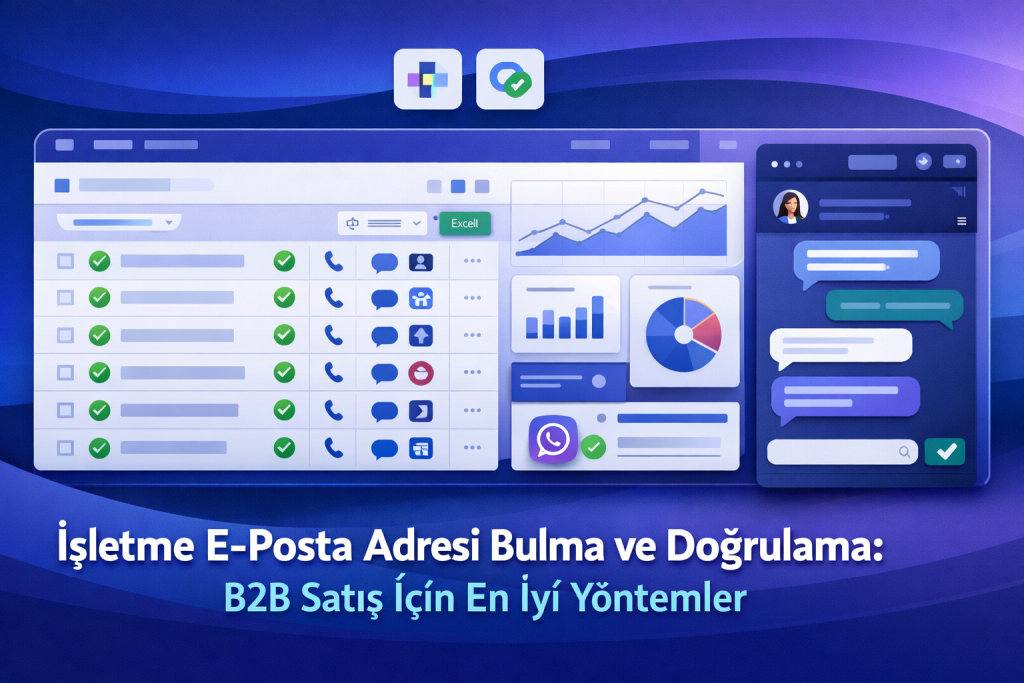
For example, if you sell marketing automation, companies with active websites, social accounts, phone numbers, business emails, and tracking technologies are usually stronger targets than businesses with no visible digital footprint. Business Monster helps sales teams combine business data, phone/email details, social profiles, Meta Pixel detection, Google Tag detection, Excel export, and WhatsApp tools into one prospecting flow.
Practical methods for finding business email addresses
1. Use business data as the foundation
Reliable outreach starts with reliable company records. Business name, category, location, website, phone, and available email details should be stored together, not scattered across notes and browser tabs. When business data is organized from the beginning, the sales team can filter, prioritize, and personalize without constantly rechecking basic facts.
- Filter companies by industry and geography.
- Prioritize records with a website and phone number.
- Check whether social accounts are available and active.
- Group companies by digital signals such as tracking tags.
2. Evaluate emails in context
An email address becomes more valuable when it is connected to the right company context. A generic address may still be useful, especially for small and local businesses, but it should match the domain, the website, and the company identity. If the email domain is different from the website domain, it should be reviewed carefully before it enters a campaign.
Business Monster supports this process by placing contact data beside other company signals, such as phone numbers, websites, social accounts, and digital technology indicators. This reduces the chance of sending messages to the wrong organization.
3. Use Meta Pixel and Google Tag signals for prioritization
Technology signals can tell you which companies are investing in measurement, advertising, or digital growth. A site with Meta Pixel or Google Tag installed may be more receptive to offers related to advertising, analytics, CRM, lead generation, automation, web development, or conversion optimization.
Instead of treating every company equally, your team can create priority segments. For instance, businesses with both a verified email and Google Tag can be routed to one campaign, while companies with phone and WhatsApp availability can be assigned to a faster follow-up sequence.
How to verify business email addresses
Email verification should be part of the workflow, not a final emergency cleanup step. Verification helps protect sender reputation, reduce bounce risk, and improve the accuracy of reporting. It also keeps your team focused on real opportunities instead of chasing invalid contacts.
| Verification step | Purpose | Sales benefit |
|---|---|---|
| Domain match | Checks whether the email belongs to the company website domain. | Reduces wrong-company outreach. |
| Format review | Finds typos, missing symbols, and inconsistent structures. | Improves deliverability and list hygiene. |
| Cross-check with phone | Confirms that contact details point to the same business. | Supports multi-channel follow-up. |
| Social profile review | Adds confidence that the company is active and reachable. | Improves personalization. |
| Segment tagging | Labels companies by industry, location, and digital signals. | Enables targeted campaigns. |
Export to Excel for cleaner sales operations
Once the data is collected and reviewed, it must be usable by the sales team. Excel export is one of the simplest ways to move from research to execution. A well-structured spreadsheet can include company name, email, phone number, website, city, category, social accounts, Meta Pixel status, Google Tag status, WhatsApp availability, owner, priority, and next action.
With Business Monster’s Excel export capability, teams can avoid manual copy-paste work and create consistent files for CRM import, campaign planning, or account assignment. This is especially useful when multiple sales representatives work from the same territory or vertical.
Add WhatsApp to your follow-up strategy
Email remains a strong B2B channel, especially for formal proposals and detailed introductions. However, many local and service-based businesses respond faster through phone or WhatsApp. The best approach is not to replace email, but to combine channels responsibly.
For example, your first message can be a concise email explaining the value of your solution. If the company has a public business phone number and the context is appropriate, a short WhatsApp follow-up can help confirm interest or schedule a call. Business Monster’s WhatsApp tools help sales teams move from contact discovery to timely follow-up without losing the company context.
A simple B2B prospecting workflow
- Define your ideal customer profile by industry, location, and need.
- Collect relevant business data with contact and website details.
- Review business email, phone, website, and social account consistency.
- Identify Meta Pixel and Google Tag signals to score digital readiness.
- Export the list to Excel with clear columns and segment labels.
- Personalize email outreach based on industry and technology signals.
- Use phone or WhatsApp follow-up where appropriate and respectful.
- Update outcomes so the next campaign starts with cleaner data.
Common mistakes to avoid
The most common mistake is treating email discovery as a volume game only. More records do not automatically mean more meetings. Another mistake is ignoring verification until after a campaign fails. Teams should also avoid sending the same generic message to every segment. A company with Meta Pixel, Google Tag, and active social accounts should receive a different message than a company with only a phone number and a basic website.
Finally, make sure your outreach respects local regulations, user expectations, and business context. Use relevant messaging, keep follow-ups reasonable, and give recipients a clear way to respond or decline.
Conclusion
Finding and verifying business email addresses is most effective when it is connected to a complete B2B prospecting system. Business Monster brings together business data, phone/email details, social accounts, Meta Pixel and Google Tag detection, Excel export, and WhatsApp tools so sales teams can build cleaner lists and act on them faster.
The goal is not just to find an email address. The goal is to identify the right company, understand its context, verify the contact path, and start a relevant conversation that has a real chance of turning into revenue.
